Everything you need to run client support
From the contract to the monthly report, here is what Olfii does today.
Contracts and hours
Set up each client the way you actually sell to them. A client can have several contracts at once.
- Support plans
- A monthly allowance of hours, with a minimum term and notice period.
- Rollover
- Let unused hours carry into next month, up to a cap if you set one.
- Overage
- Choose what happens when a month runs over: show it, bill it, carry it into next month or write it off.
- Project budgets
- A budget of hours for a fixed piece of work, with the hours left on show.
- Task work
- Hourly work billed as it happens, for clients without a plan.
- Plans
- Your support tiers, set up once. A new contract copies its plan's terms, and changed terms apply from a month on without rewriting earlier months.
- Adjustments
- Add or remove hours for a month with a reason, such as goodwill or an agreed overage.
Tickets
Every request is a ticket under a contract, numbered per team, like KD-12.
- Clear statuses
- Open, in progress, in testing, waiting on client, resolved and closed.
- Priorities and dates
- Low to urgent, with due dates and time estimates.
- Sub-tickets
- Split one client request into parts. Each part keeps its own hours.
- Replies and notes
- Email the client from the ticket, or leave an internal note only your team sees.
- @-mentions
- Mention a teammate or another ticket in a description, note or reply.
- Labels, links and files
- Label tickets, attach files and images, and link the pull request or page to check.
- Search and saved views
- Find any ticket by number or words, and save the filters you use every day.
Time tracking
Log time on the ticket as you work. It counts in the month it was worked, not the month the ticket was opened.
- Client contact and delivery
- Calls, meetings and emails with the client are client contact; building, fixing and testing is delivery. The report shows where the hours went.
- How it's charged
- Included in the plan, billable on top, or no charge, for each entry.
- Earlier months stay put
- Changing how a ticket is charged applies to new time, so a month you've reported doesn't change under you.
- Monthly statement
- For each support contract, the hours available, carried in, used and left, month by month.
- CSV exports
- Export a month's hours by contract and every time entry for your accounts or invoicing.
Client reports
A monthly report for each client, written for them rather than for your team.
- Plain-English summaries
- Give each ticket one line the client reads in place of your internal subject.
- Completed and in progress
- Work finished that month and work still going, with that month's hours for each.
- Hours at a glance
- Hours used and left on their plan or budget, and what happened to any overage.
- Private link
- Clients open their report without signing in. Turn the link off whenever you like.
- Requests from the report
- Clients can send a new request from their report page, and get an email to confirm it.
- Send by email
- Email reports to the client contacts who should get them, and get a reminder when a month's reports haven't gone out.
Response times and triage
Know what needs an answer now and what can wait.
- First-response targets
- A target for each priority on each plan and contract, like 1 hour for urgent requests.
- Due and overdue alerts
- A warning before a first reply is due, and a notice if it's overdue.
- New requests
- Client requests nobody has assigned, answered or scheduled yet, soonest due first.
- Backlog
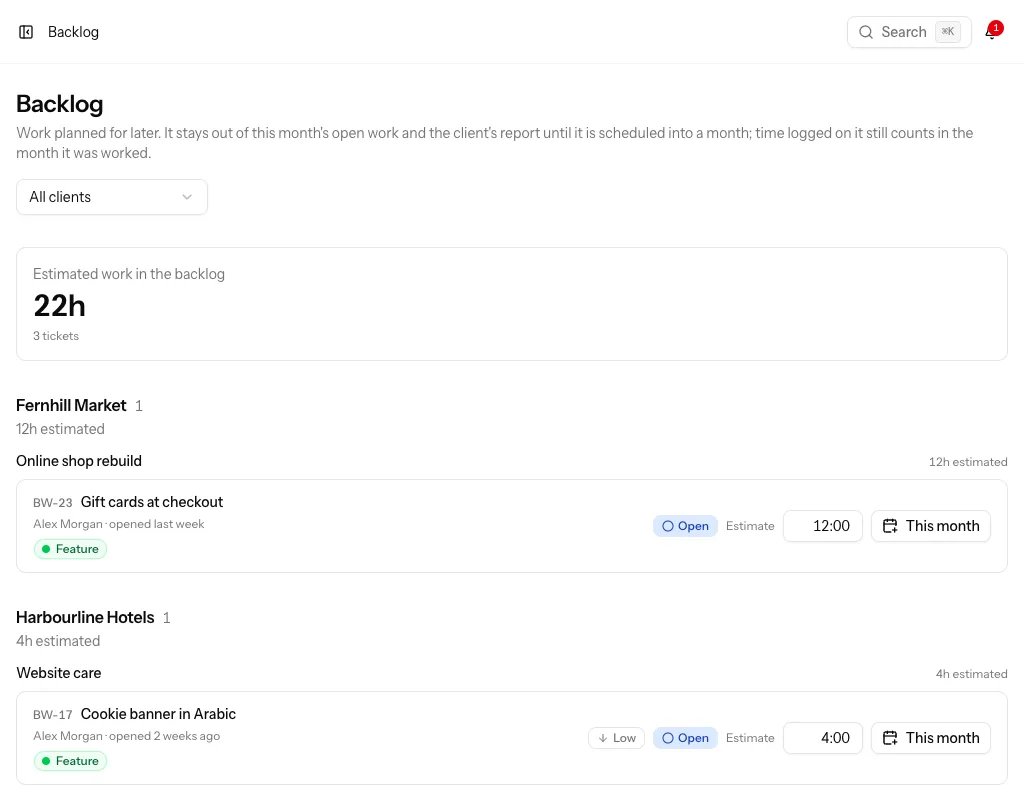
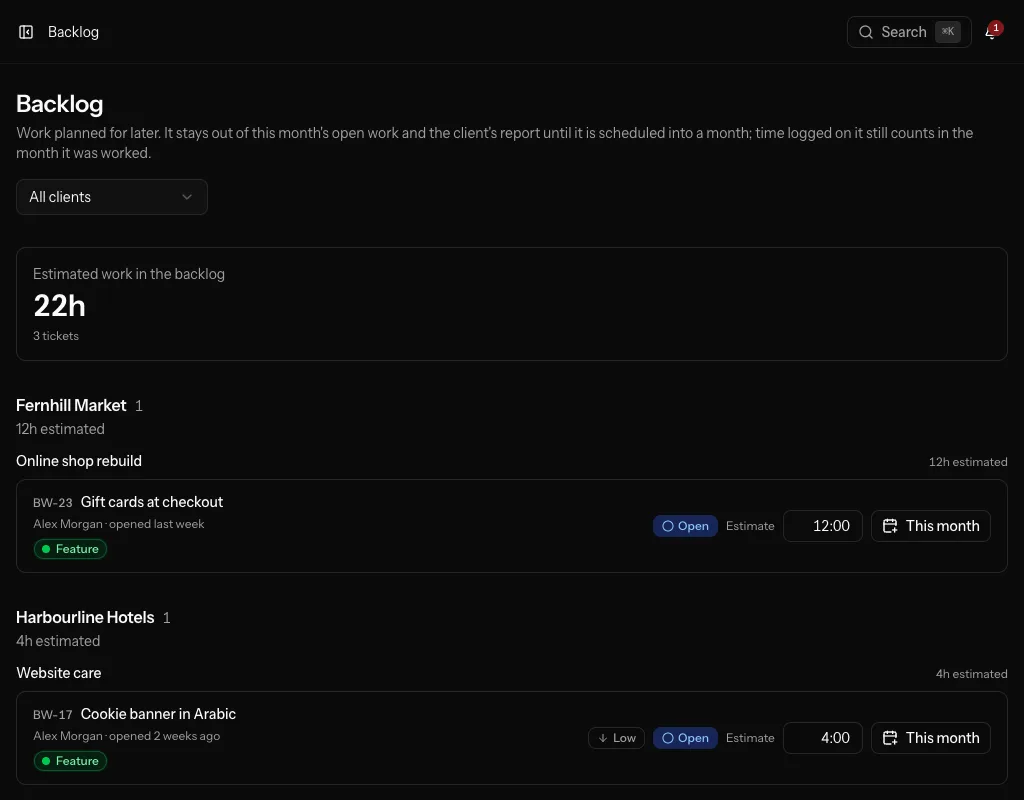
- Park work for later with an estimate. Estimates never count against the client's hours, and backlog work stays out of this month's open work and out of the client's report until someone logs time on it.
Recurring work
Routine jobs open themselves, so they never get forgotten.
- Ticket templates
- Reusable tickets with a description, priority and estimate. New teams start with templates for updates, uptime and backup checks, form tests, performance checks and renewals.
- Schedules
- Open a ticket from a template monthly, quarterly or yearly on any contract, assigned and with a due date.
Notifications
Hear about what matters, without a flood of email.
- Grouped updates
- Assignments, status changes, notes and replies arrive as one summary email per person.
- Mentions straight away
- When someone mentions you, you get an email right then.
- Morning email
- An optional weekday email with what happened across your clients.
- In the app
- A notifications bell for everything that happened while you were away.
Teams and security
One team for your agency, with roles that match how you work.
- Roles
- Owners can do everything. Admins run clients, contracts, plans, templates and reports. Members work tickets.
- Invitations
- Invite colleagues by email and choose their role.
- Several teams
- Belong to more than one team and switch between them.
- Passkeys and two-factor
- Sign in with a passkey, or protect your password with two-factor authentication.
AI assistant
Olfii has an MCP server, so an assistant such as Claude can work with your tickets.
- Sign in, don't paste keys
- Connect the assistant and sign in to Olfii. It sees the teams you belong to.
- Tickets and time
- Find, open and update tickets, reply to clients, and log time.
- Clients and reports
- Read a client's monthly report, check contracts and hours, and send reports.
- Same rules as the app
- The assistant goes through the same checks and permissions as you do in the app.
See it with your own clients
Create a team, add a client and log your first ticket. Or ask for a walkthrough by email.